To help navigate the Aladdin Client Portal, please utilize our training videos below. If you have any questions or need assistance, please reach out to your dedicated Account Executive.
Web Portal
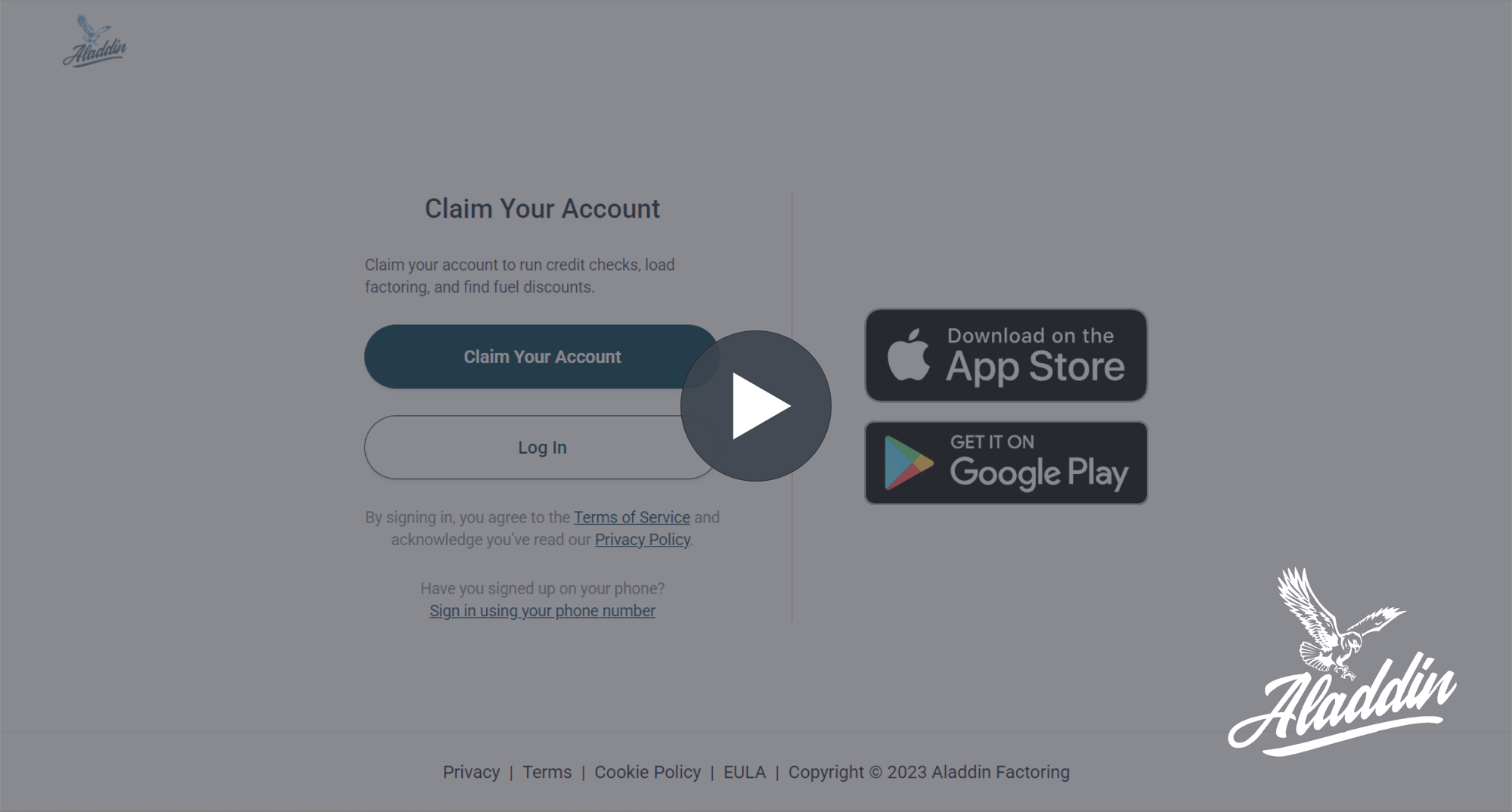
Access Your Account
Learn how to log into the updated portal.
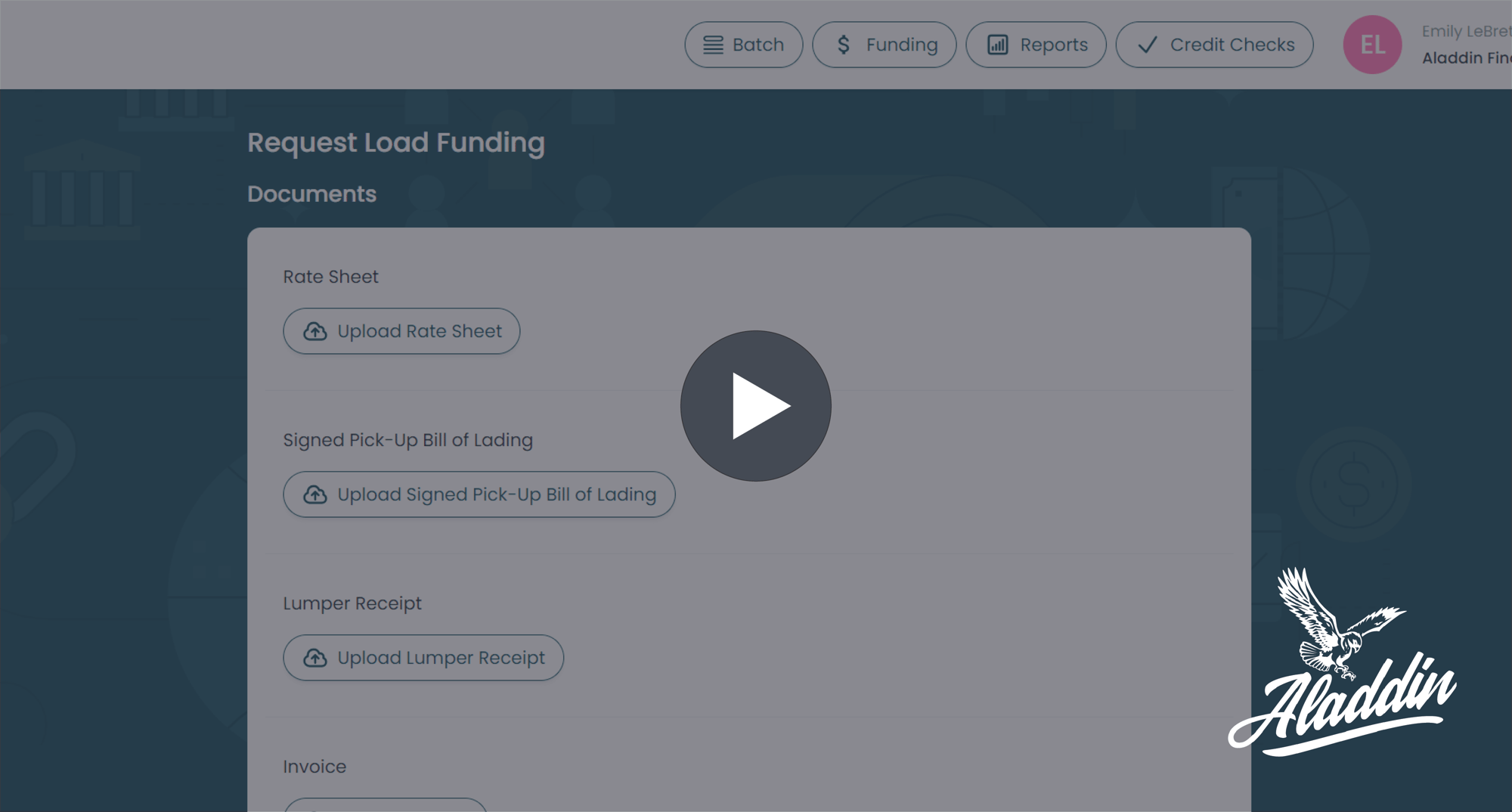
Individual Load Submission
Learn how to submit paperwork for funding for a single load through the Aladdin Client Portal.
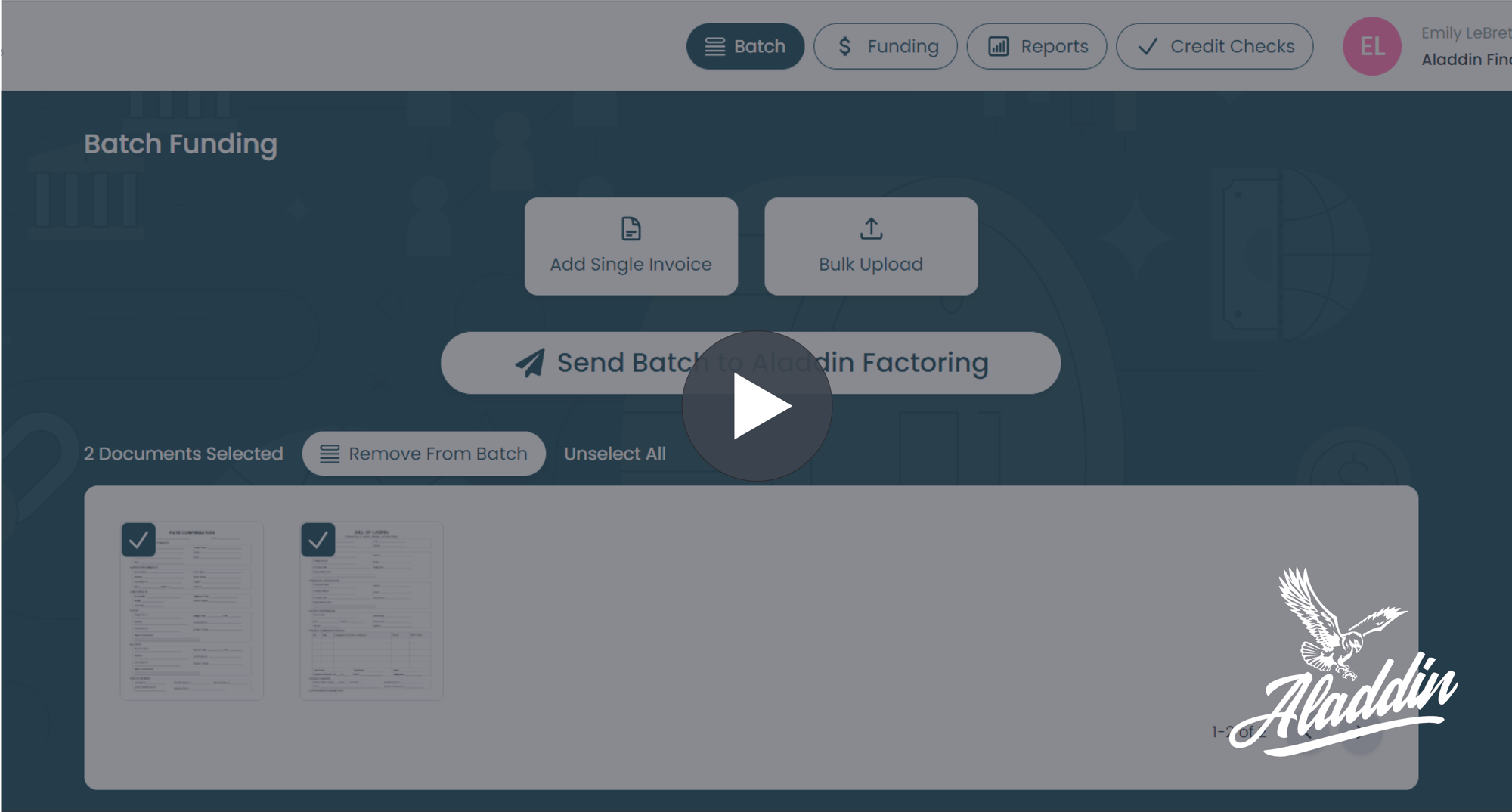
Batch Load Submission
Learn how to submit a batch of loads for funding through the Aladdin Client Portal.
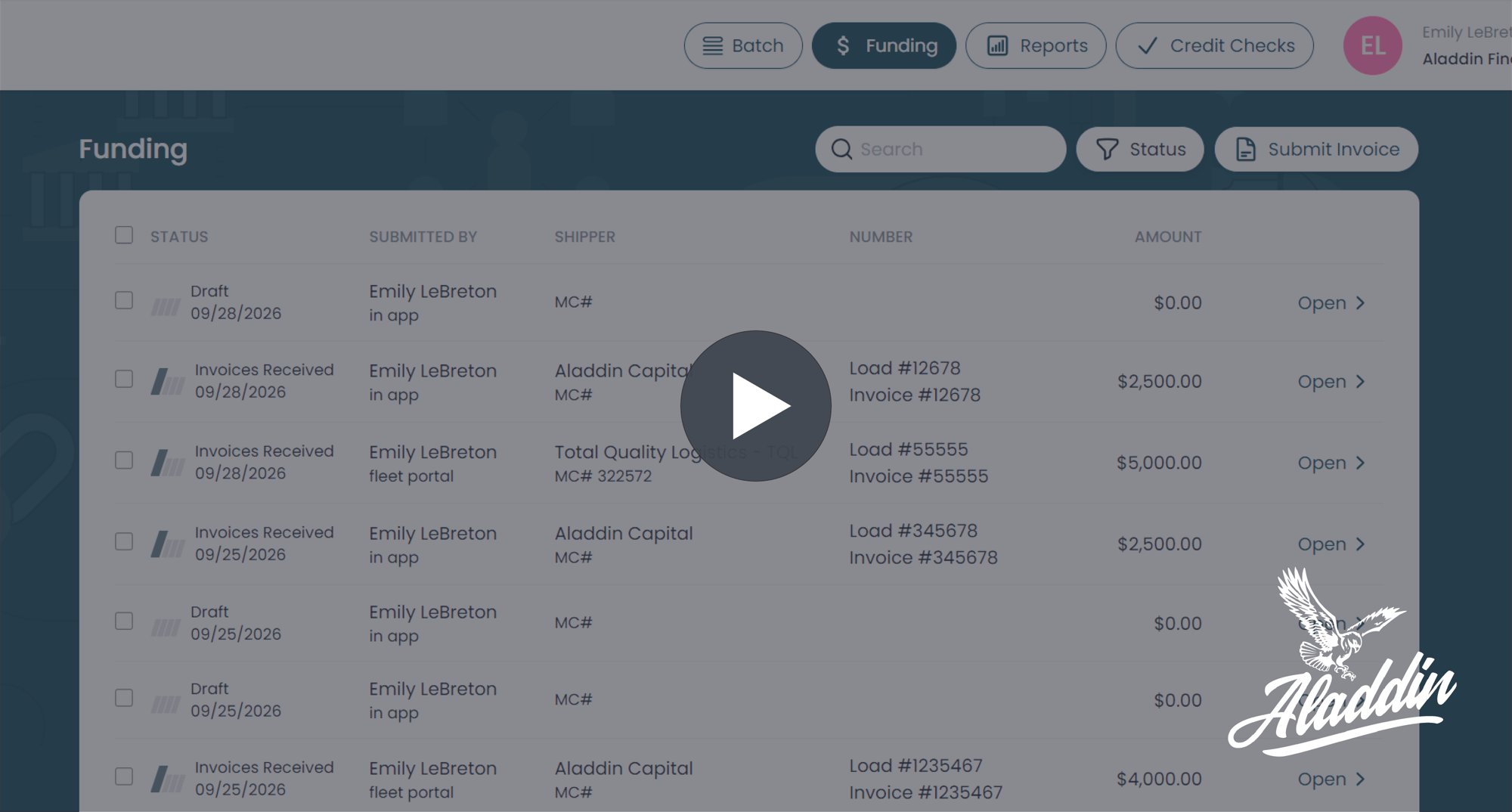
Real-Time Funding Updates
Find out how to view real-time funding updates for all your loads.
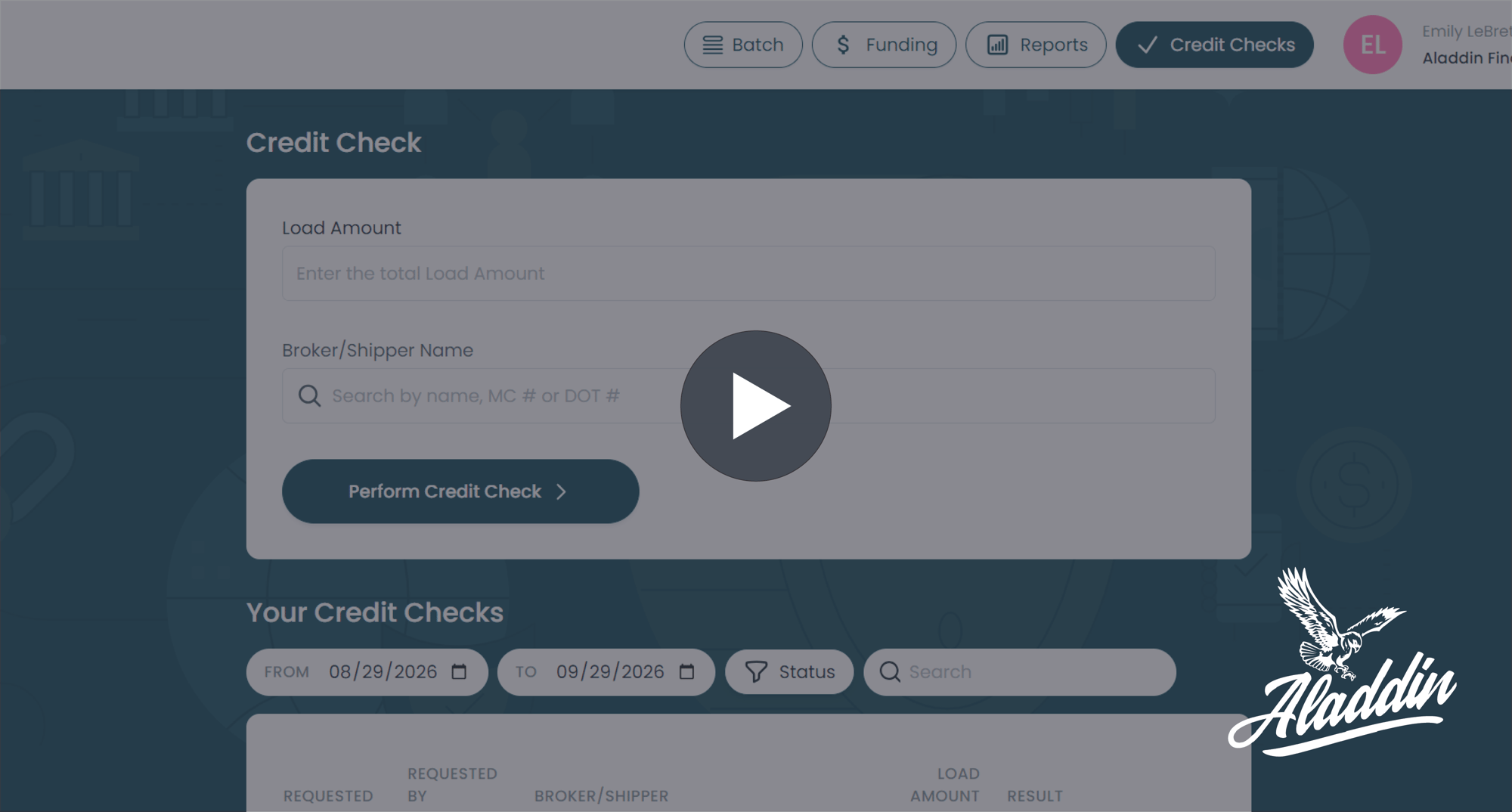
Credit Check Tool
Explore how to pull credit checks in the Aladdin Client Portal.
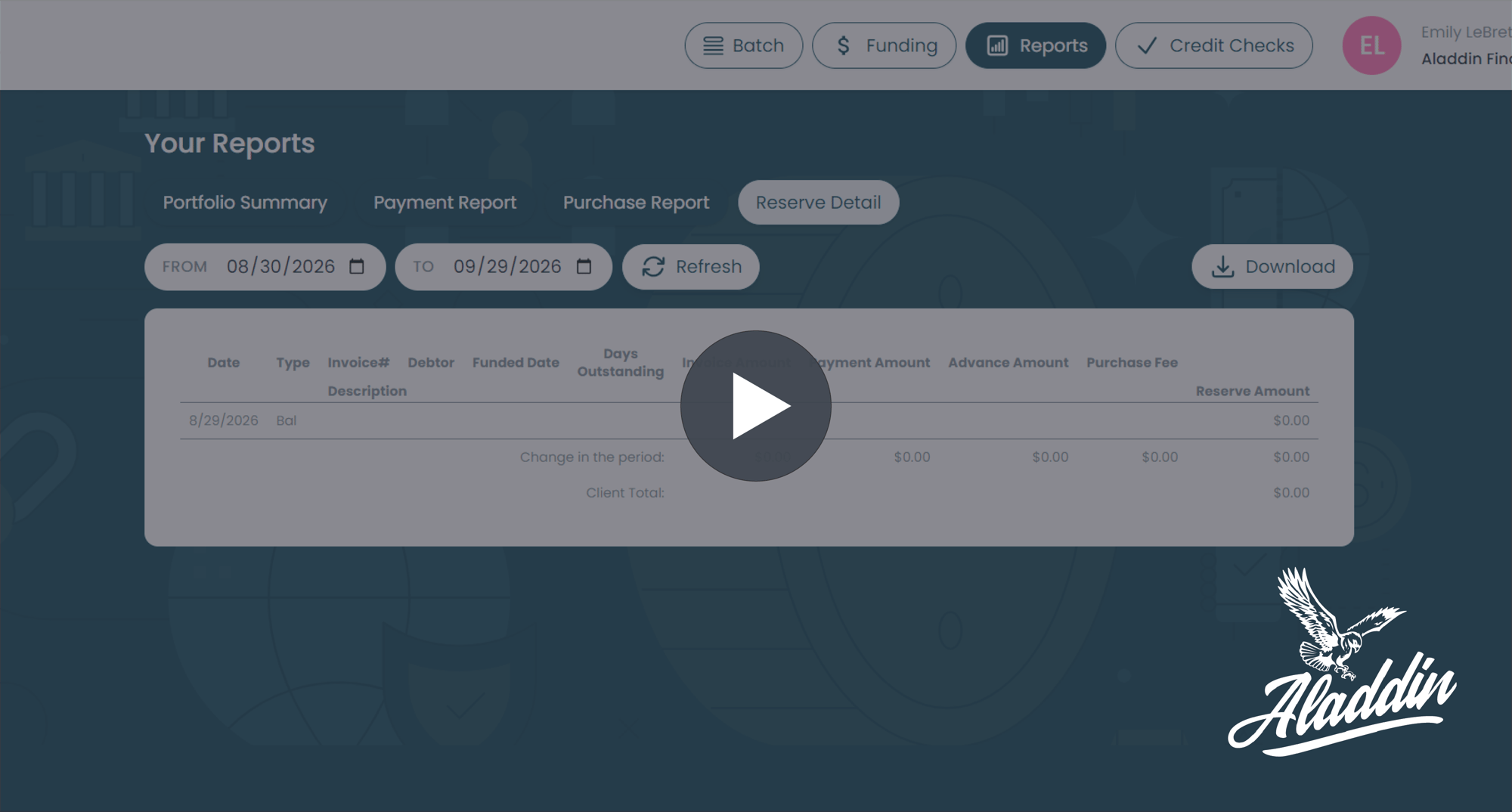
Reporting Tool
Find out how to pull reports on your account in the portal.
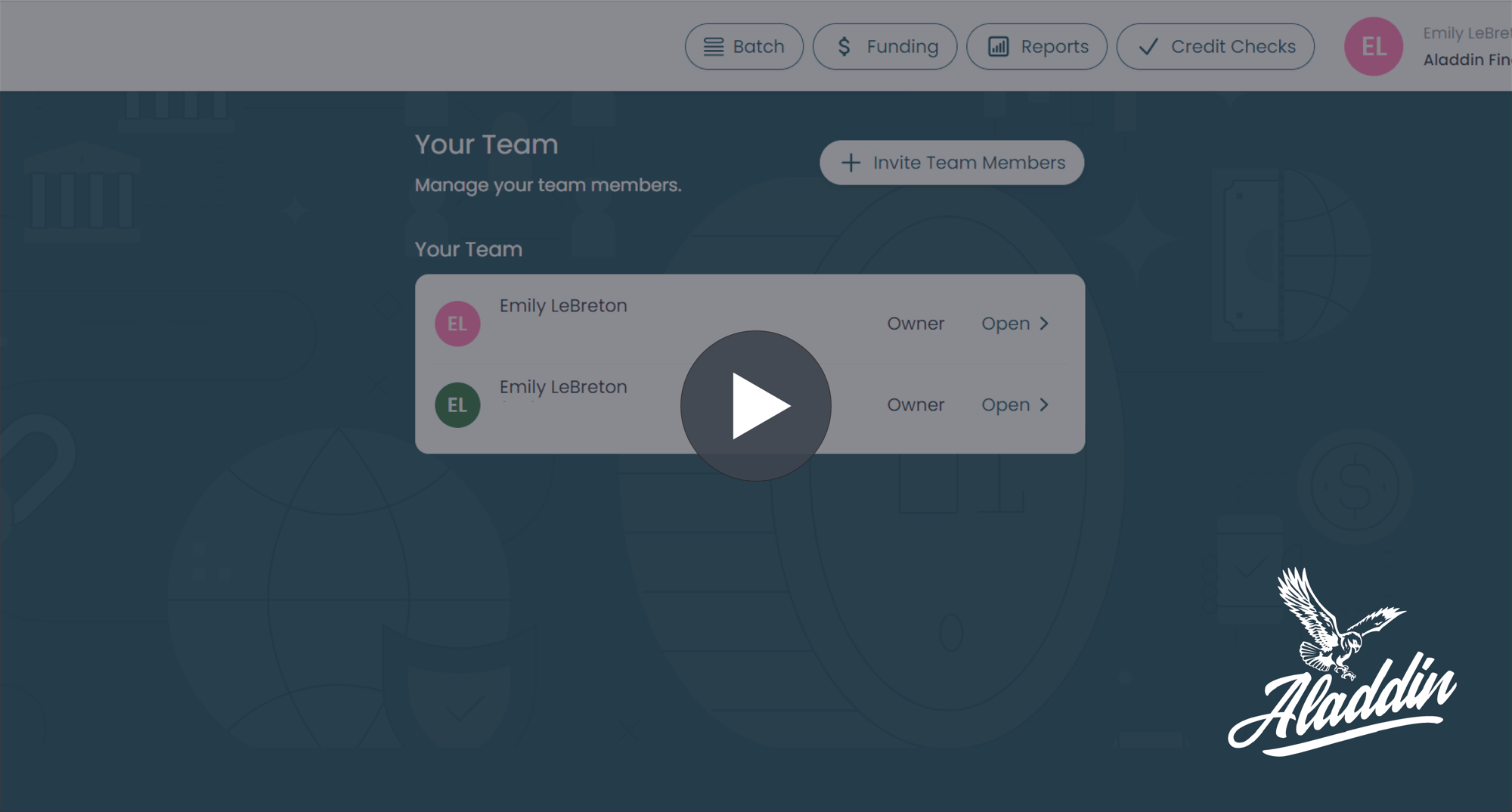
Adding Team Members To Your Account
Discover how to add additional team members to your account.
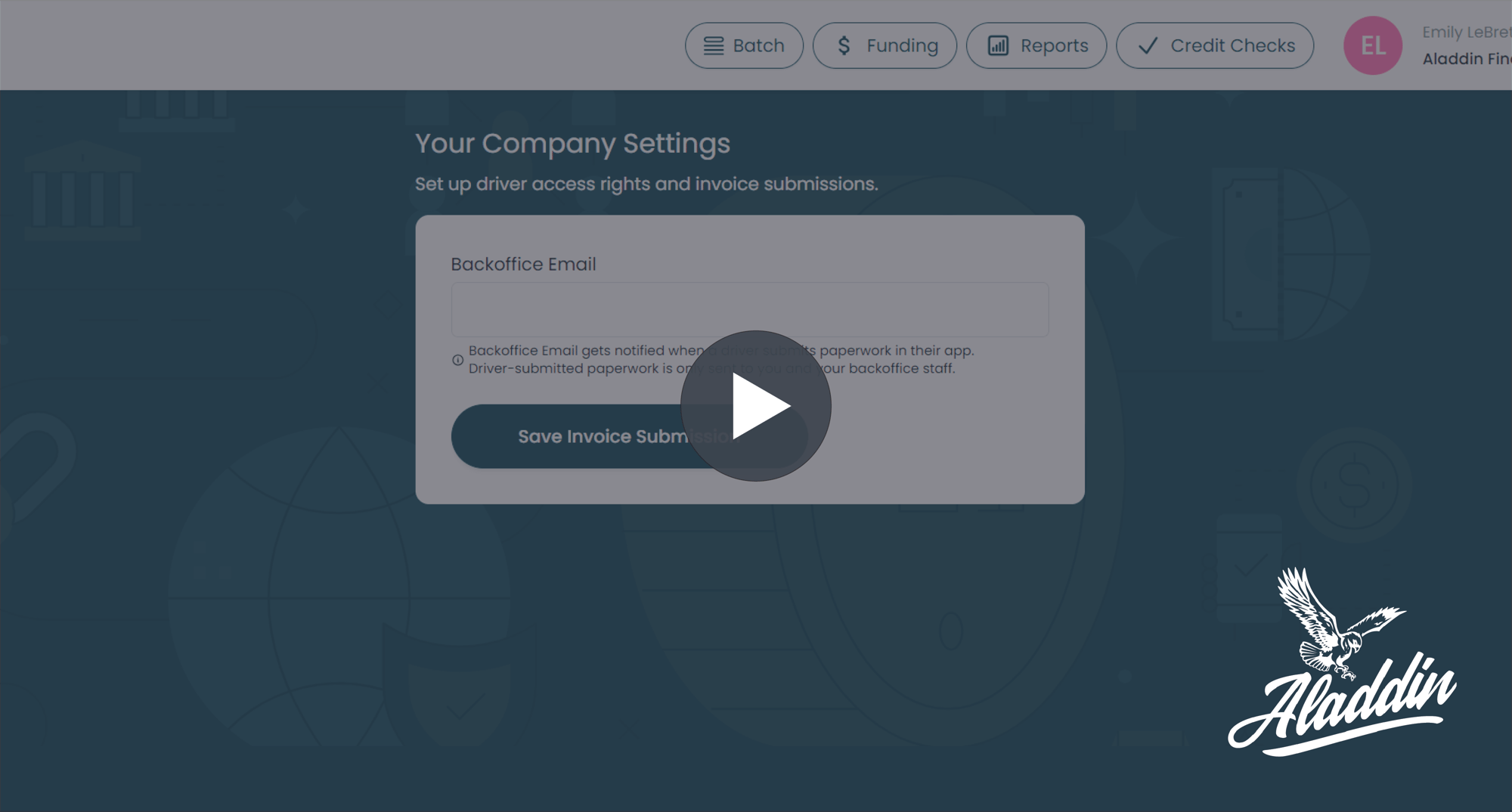
Updating Your Back Office Email
Learn how to update your back office email in your account.
.
MOBILE APP
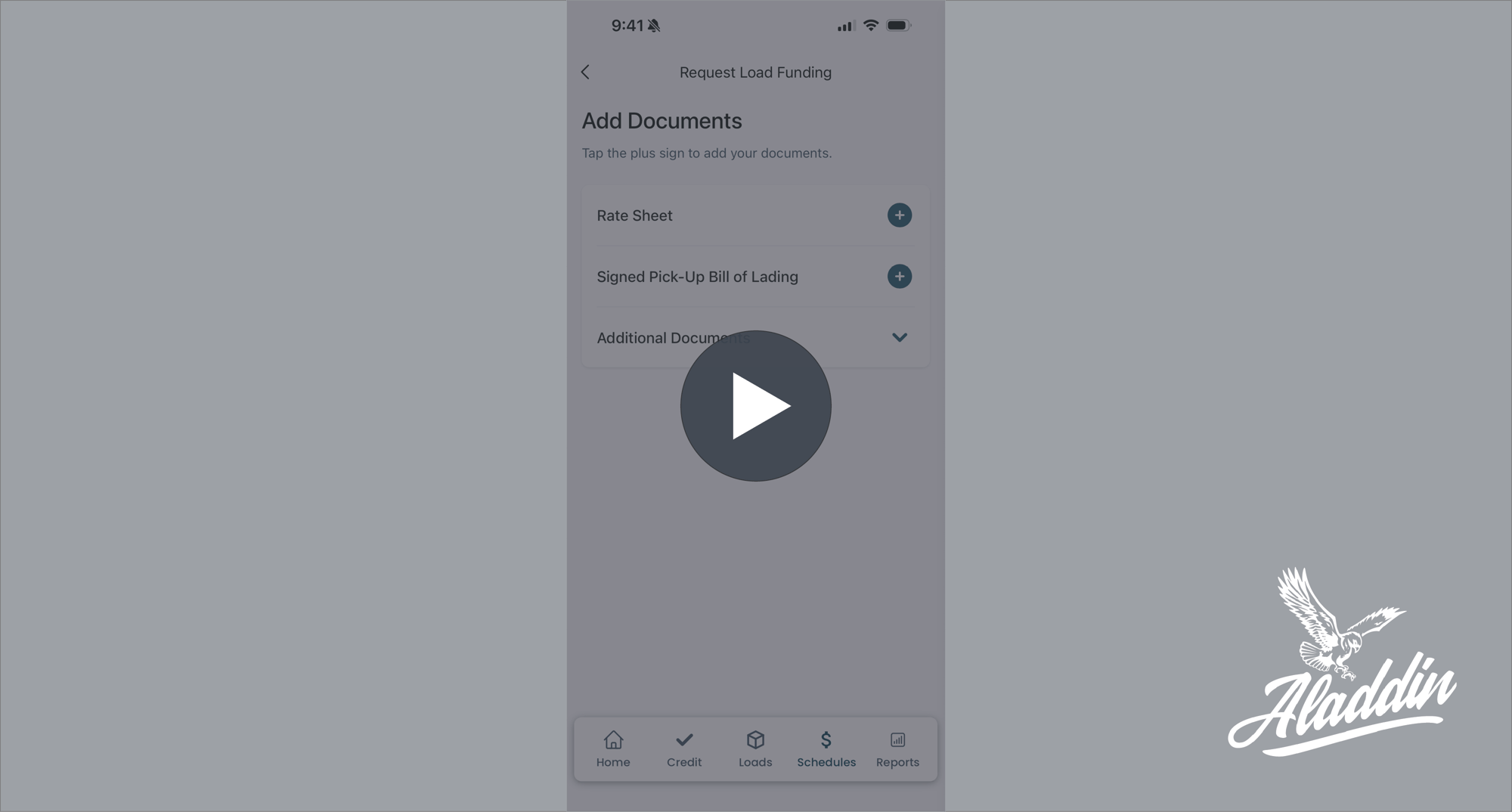
Individual Load Submission
Learn how to submit paperwork for funding for a single load through the Aladdin Client Portal.
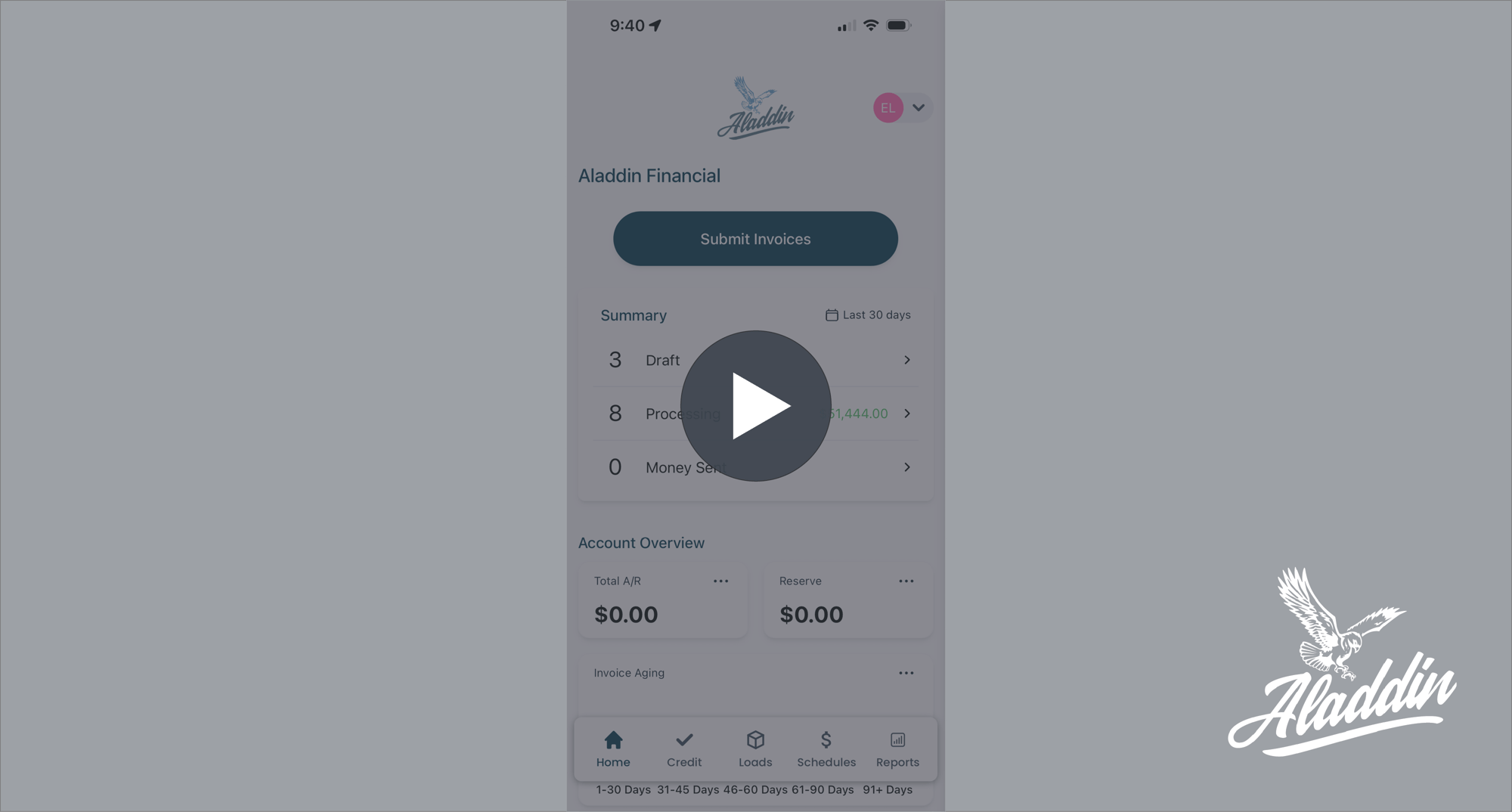
Real-Time Funding Updates
Understand how to see real-time funding updates for all your loads.
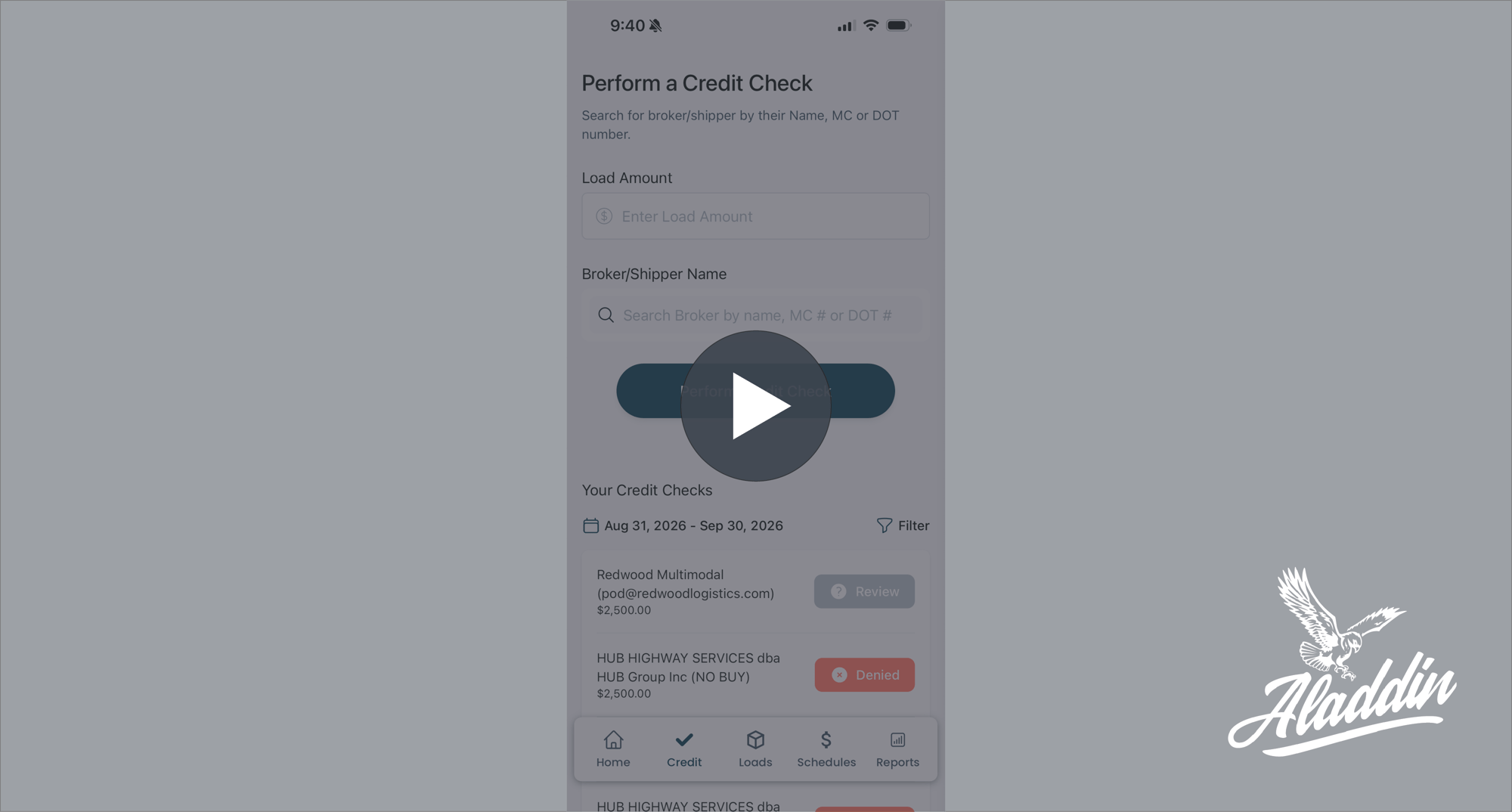
Credit Check Tool
Learn how to pull credit checks in the updated portal.
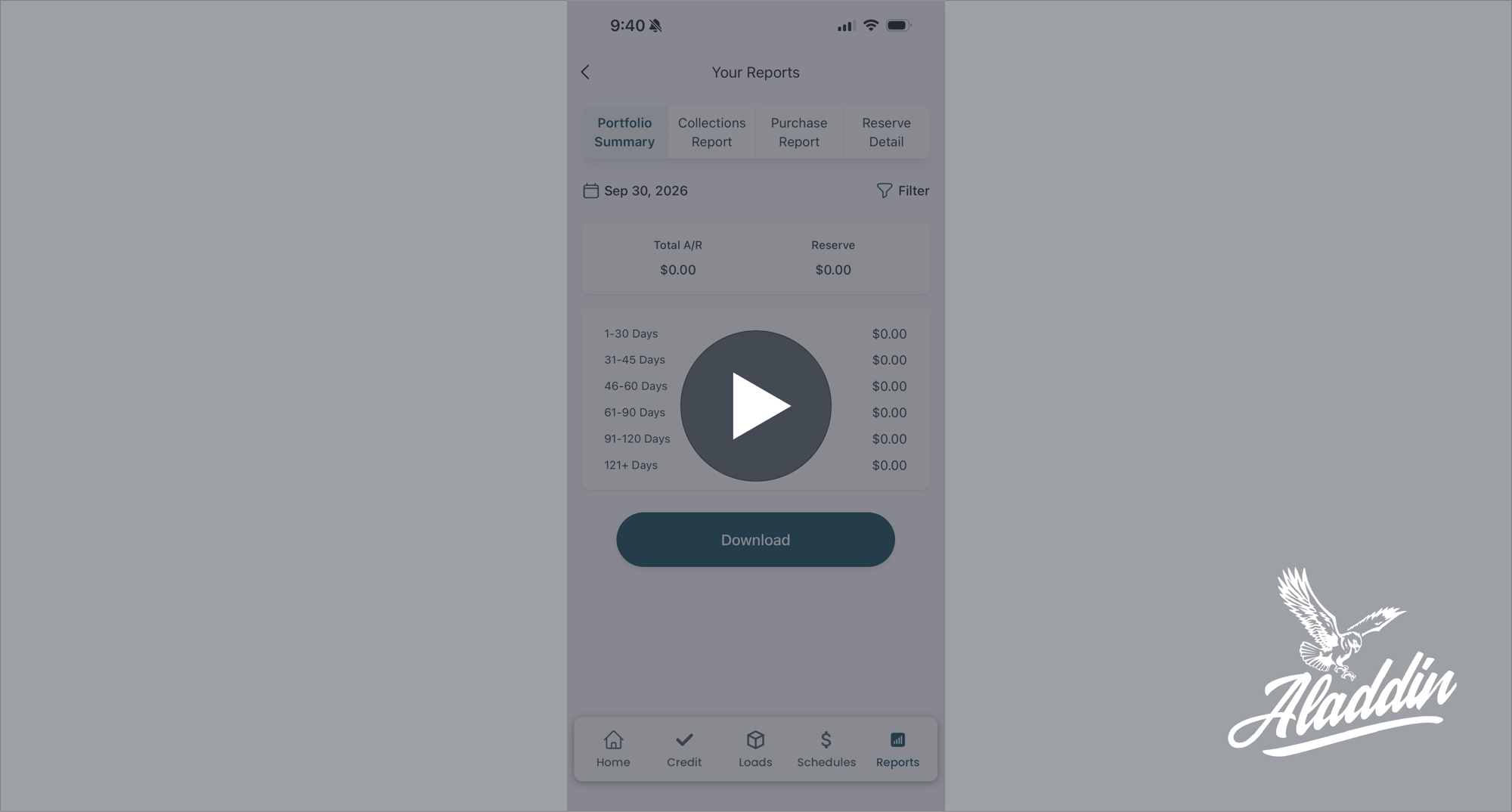
Reporting Tool
Find out how to pull reports on your account in the updated portal.
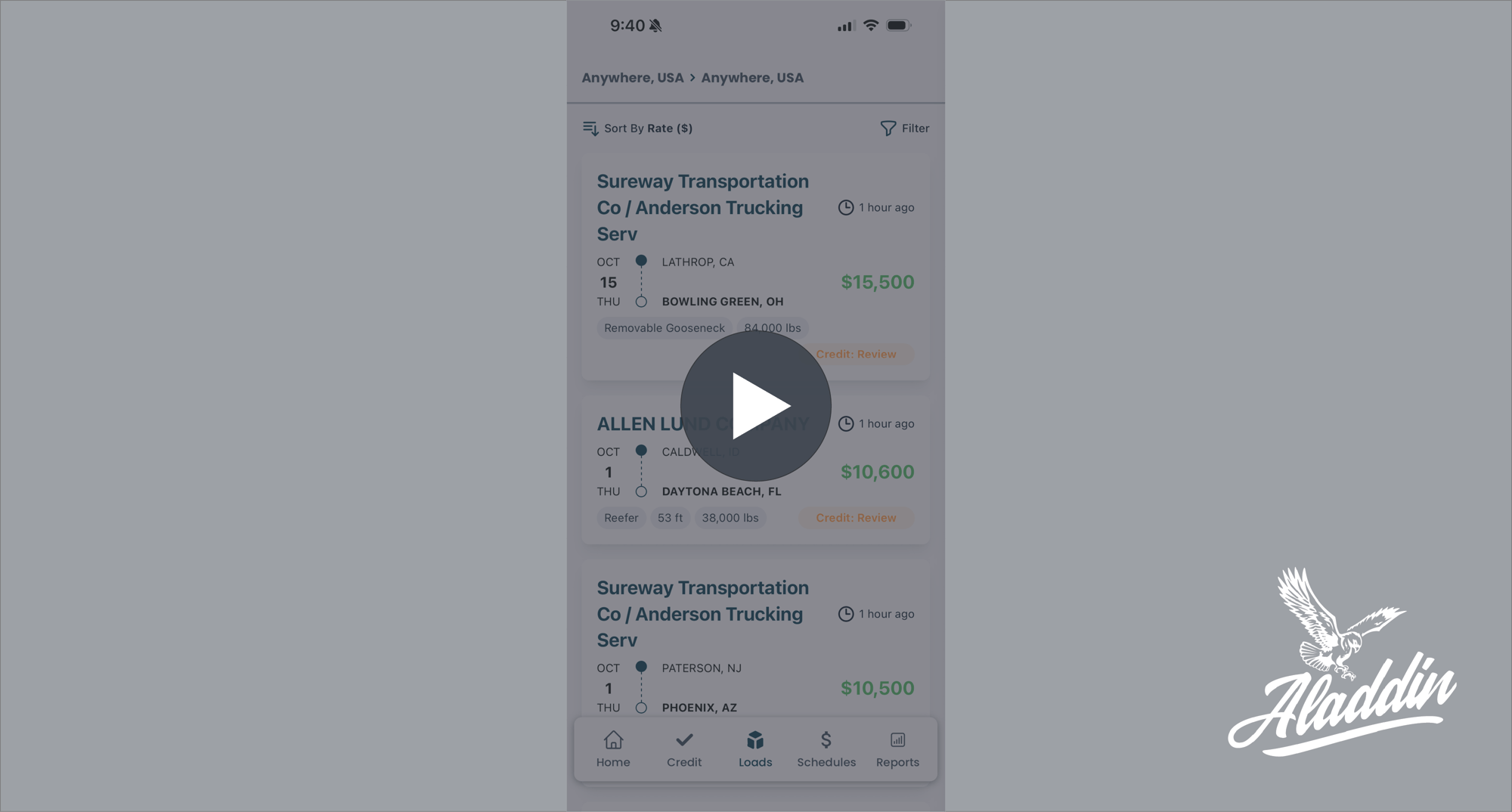
Load Board Tool
Explore our free load board to find available loads.